
Gamify+
Make learning games as ordinary web pages — for a class, for practice, or just for fun.
FreeOn the Microsoft StoreVersion 1.1For Windows PCs
What it is
You pick a kind of game, type the questions, and Gamify+ builds one web page that plays on any phone, tablet or computer, with nothing to install.
It is written for teachers with no technical background. Games are sorted into groups in one game file, every version is kept, and the whole set can be published as a free website on GitHub Pages. AI help is there if you want it, using your own key.

After it installs, open it from the Start menu.
What you can do
- Fourteen kinds of game, including Quiz Quest, True or False, Crossword, Memory Match, Flashcards, Category Sort and Cloze.
- Every game is one web page. Play it inside the program exactly as a player will see it.
- Ready-to-play card games — Pyramath, Fractazmic-Rummy, I See Cards and Klondike — and Robot Golf in 3D.
- Import a game made elsewhere, then change it by saying what you want.
- Publish all your games as a free GitHub Pages website, with step-by-step instructions.
- Players can hand in a signed result line that Gamify+ checks. It shows who played; it is not exam security.
- Optional AI (Claude, OpenAI, Gemini, Mistral or xAI) with your own key. Nothing is kept until you press Keep.
- No account, no ads, no tracking. The games collect nothing.
What it looks like
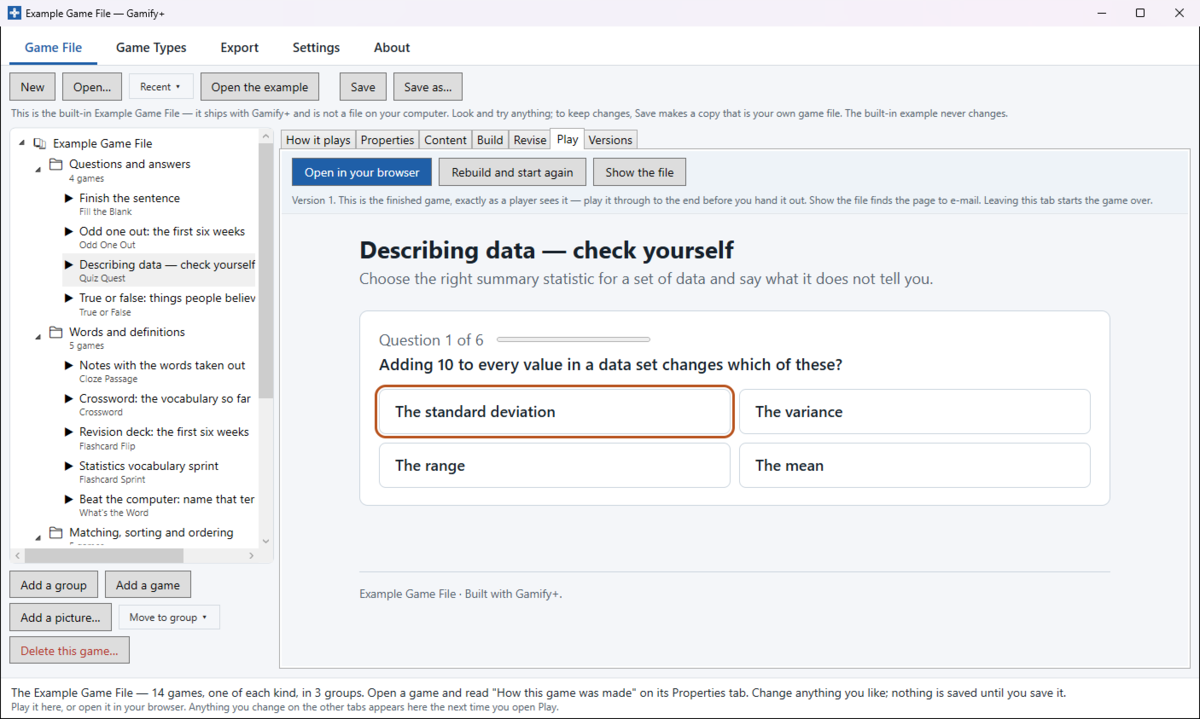
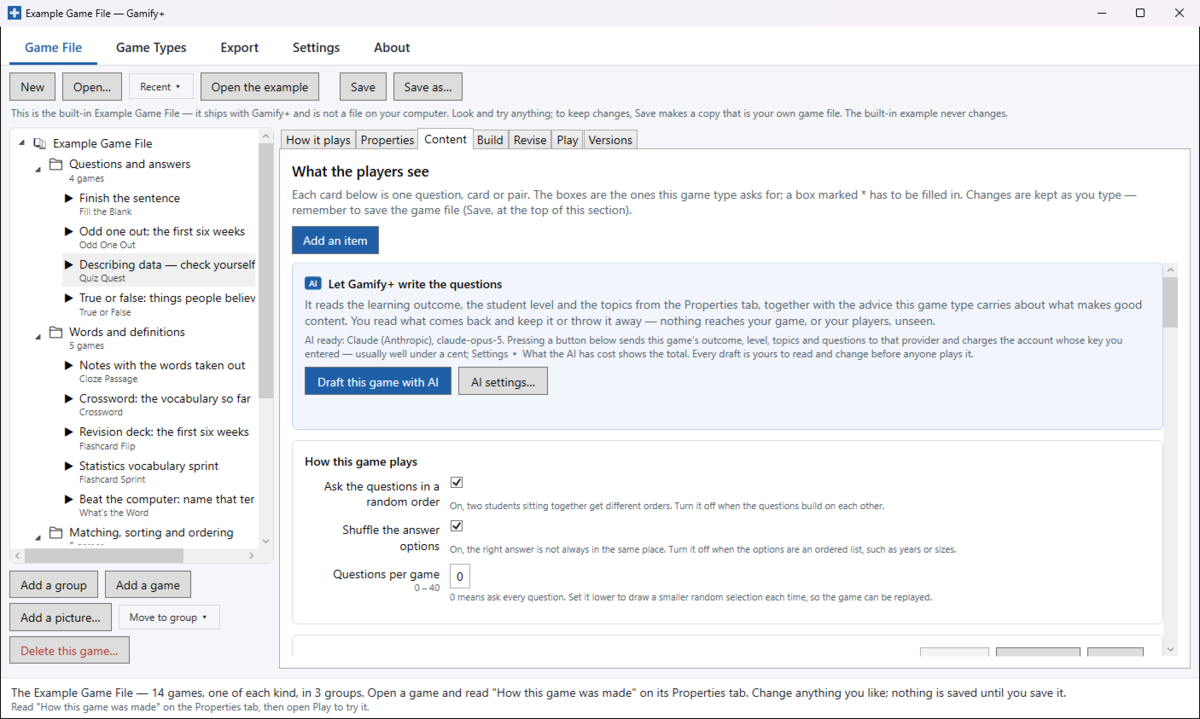
Who it is for
Teachers, and anyone who wants to make a learning game without writing code.
Privacy
Gamify+ keeps your work on your own computer. It has no account and no tracking, and the games it makes collect nothing. If you turn on AI, only what you choose to send goes to the AI company you picked. Read the Gamify+ privacy policy.