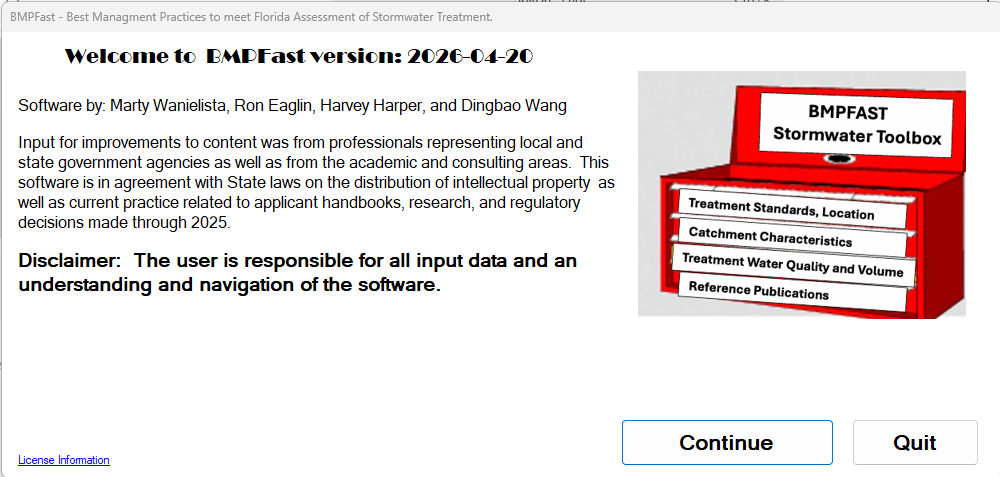
The Splash screen is the screen that will you will see first when you start BMPFast. The first time you run the program, you will need to enter your license key. You will only need to do this on the first execution of the program.

All programs › BMPFast › Help
A copy of the help on bmpfast.com (last changed there 2026-10-12; copied here 2026-10-21). These pages describe the windows of BMPFast (version 1). BMPFast 2 uses the same methods; its numbered buttons are the tree on the left: General Site Information, then Catchments with their Treatments, Catchment Routings and Calculators.
The Splash screen is the screen that will you will see first when you start BMPFast. The first time you run the program, you will need to enter your license key. You will only need to do this on the first execution of the program.
Help home · List of every help page · This page on bmpfast.com · Sample problems